 v237
v237Daily clarity
See appointments, attendance and cases that need follow-up without digging.
From check-in to treatment and payment, MaxDent connects the steps that matter. See what happened, what needs follow-up and who is responsible, according to your team permissions.
The goal is not more screens. The goal is reaching the right information quickly, at the right time.
See appointments, attendance and cases that need follow-up without digging.
Understand collections, expenses, balances and daily financial movement.
See who performed important actions and when, within management permissions.
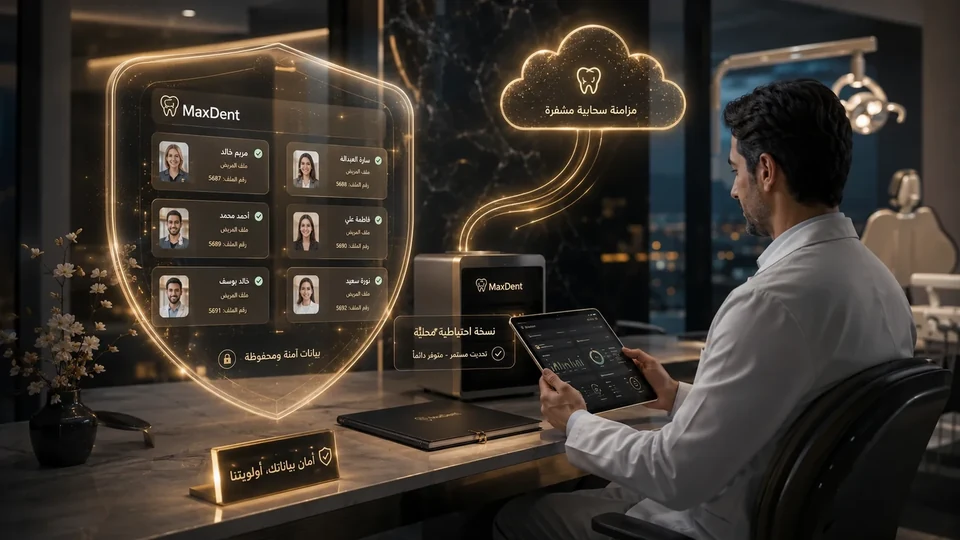
Backup and sync reduce dependence on one device or one manual step.
You can spot what needs action without digging through fragmented files.
Collections, expenses, and due amounts stay connected to the daily workflow.
Permissions and activity history create clarity without slowing the team down.
Accounting, permissions and backup are treated as critical workflows because they carry the highest operational impact inside the clinic.
Everything doctors, reception, and management need in one unified experience that reduces switching between many files and tools.
Quick access to the patient, appointment, and account helps the team reduce waiting time inside the clinic.
Clear control over what the doctor, receptionist, or manager can see, helping protect patient and financial data.
Indicators next to the patient name show payment status quickly and support financial discipline before the procedure starts.
Choosing the backup folder inside OneDrive or Google Drive gives the clinic an additional cloud-protection layer alongside local backup.
Daily decisions need clarity: who showed up, who paid, what is still due, what remains unfinished, and whether everything is under control.
In the connection between the patient file, appointments, treatment, finance, and follow-up — without losing the picture between scattered tools.
Patient, appointment, plan and alerts stay in context, reducing search and fragmentation.
Collections, expenses and reports connect to the clinic workflow instead of living as isolated numbers.
Permissions and audit visibility help management understand who did what and when.
Mobile visibility, backup and optional synchronization reduce dependence on one place or one device.
Clinical work, daily operations, finance, and continuity — each part supports the next inside one system.
Patient record, odontogram, treatment plan, imaging and alerts.
Appointments, front desk, team, lab and daily follow-up.
Collections, expenses, reports, payroll and commissions.
Permissions, audit trail, backup and optional synchronization.